
Getting started
Hey there 👋 PocketStarter is an easy-to-use boilerplate for PocketBase with Next.js. Installation takes just minutes and the template is ready for you to build your own software.
This guide will walk you through getting PocketStarter up and running.
Prerequisites
Before you begin, make sure you have the following installed:
- Node.js (version 18 or higher)
- pnpm (recommended package manager)
Installation
1. Clone the Repository
Clone the repository using the link provided in your purchase email:
git clone [REPOSITORY] # See purchase email for repo instructions
cd pocketstarter
2. Install dependencies
Navigate to the frontend directory and install dependencies:
cd frontend
pnpm install
3. Set up PocketBase
Download a fresh PocketBase instance from the official website and place it in the pocketbase folder.
Next, start the backend server:
cd ../pocketbase
./pocketbase serve
This will start PocketBase on http://localhost:8090
4. Configure Environment Variables
Copy the .env.local.example file to .env.local in the frontend folder:
# In the frontend directory
cp .env.local.example .env.local
You'll need to configure these environment variables with your specific values. See the Configuration page for more info.
5. 🎉 Start the development server
cd ../frontend
pnpm dev
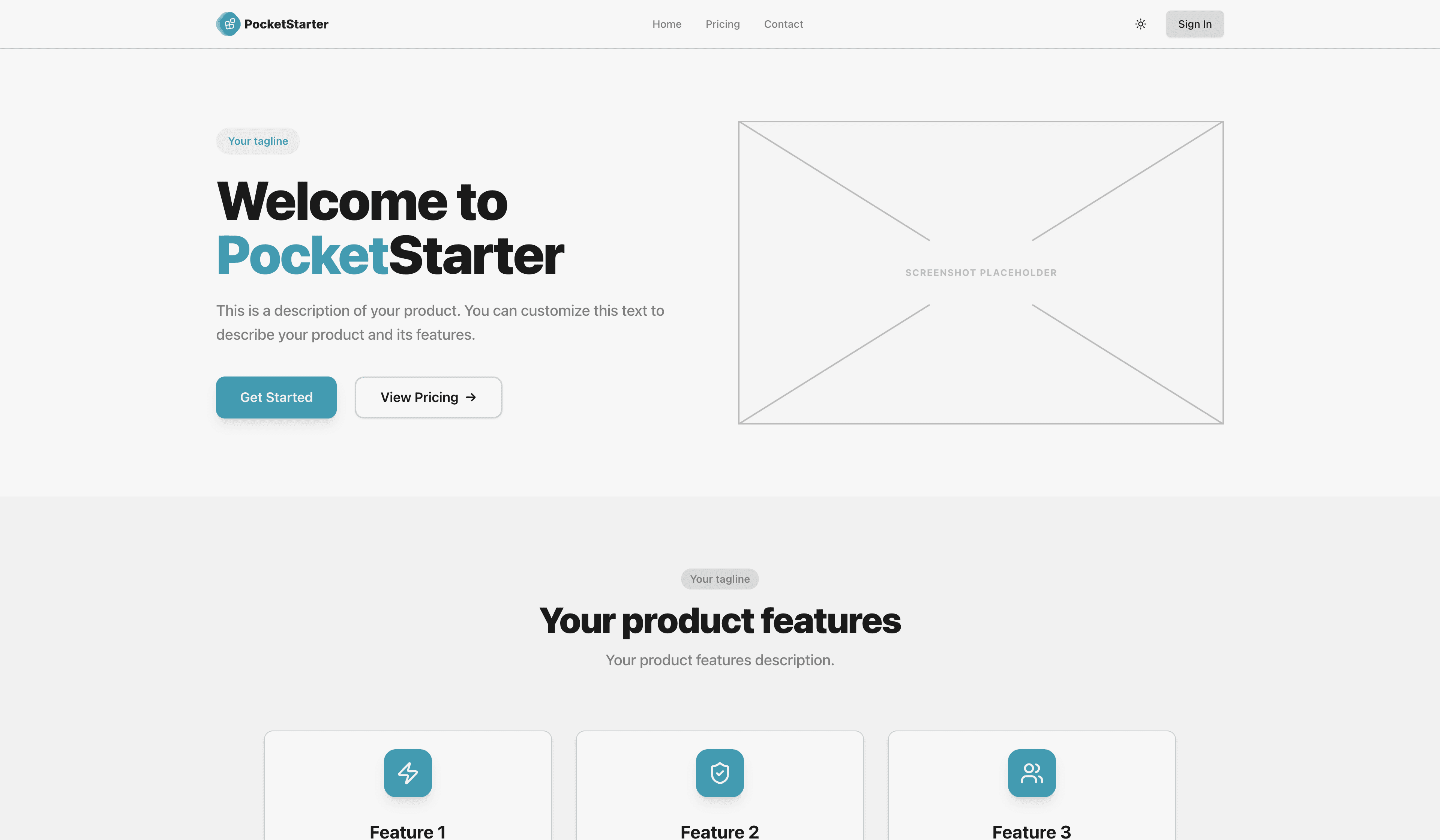
Congratulations! 🚀 Your PocketStarter application is now running at http://localhost:3000
Project structure
pocketstarter/
├── frontend/           # Next.js application
│   ├── src/
│   │   ├── app/        # App router pages
│   │   ├── components/ # Reusable components
│   │   ├── config/     # App configuration
│   │   ├── lib/        # Utility functions
│   │   └── types/      # TypeScript definitions
│   └── public/         # Static assets
├── pocketbase/         # Backend database and API
│   ├── pb_hooks/       # Custom hooks
│   └── pb_migrations/  # Database migrations
└── content/            # Documentation content
Next steps
Once PocketStarter is running, make sure to complete the Configuration steps to set up environment variables and essential settings. Then, you're ready to start building your application!